Smart Header
Personalized greeting with time-based motivation messages
Priority-Sorted Tasks
AI algorithm ranks your Top 10 most important tasks
Daily Progress
Real-time task completion stats and streak tracking
Home Dashboard
Your productivity command center
Swipe Actions
Right = Complete, Left = Snooze, Down = Skip
Priority Score
Calculated using our proprietary algorithm
Launch Actions
Quick call, text, email, or voice note
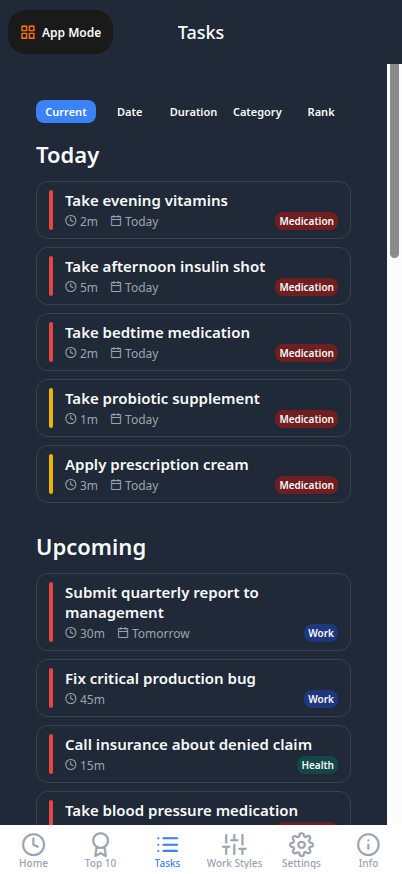
Task Management
Gesture-based productivity powerhouse
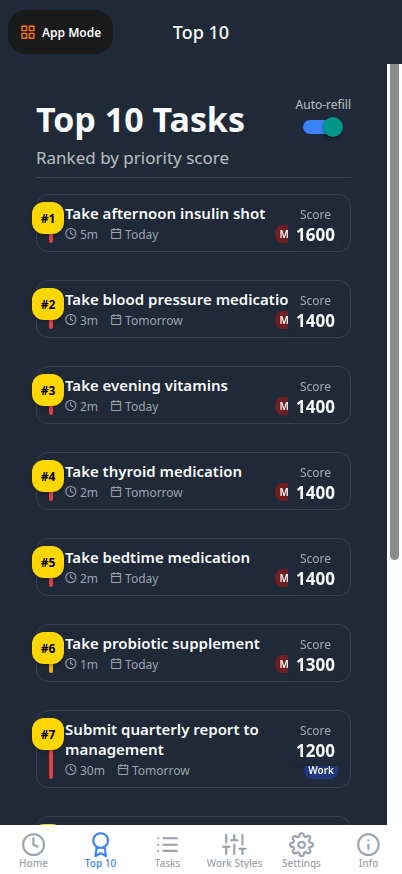
Top 10 Priority
Your most important tasks ranked by AI algorithm
Auto-Refill
New tasks promote automatically as you complete
Wins & Rewards
Badges, streaks, and achievement tracking
Top 10 Tasks
Focus on what matters most
Smart Prioritization
Toggle advanced factors and delivery modes
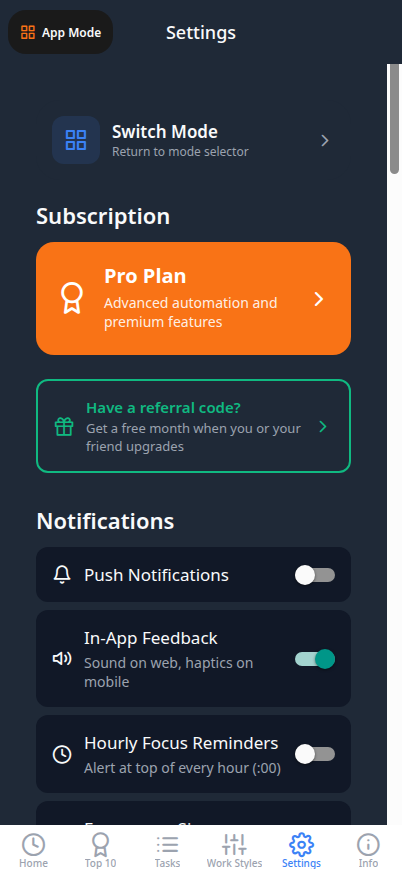
Notifications
Customize push, SMS, and voice reminders
Do Not Disturb
Schedule focus time without interruptions
Settings
Customize your experience
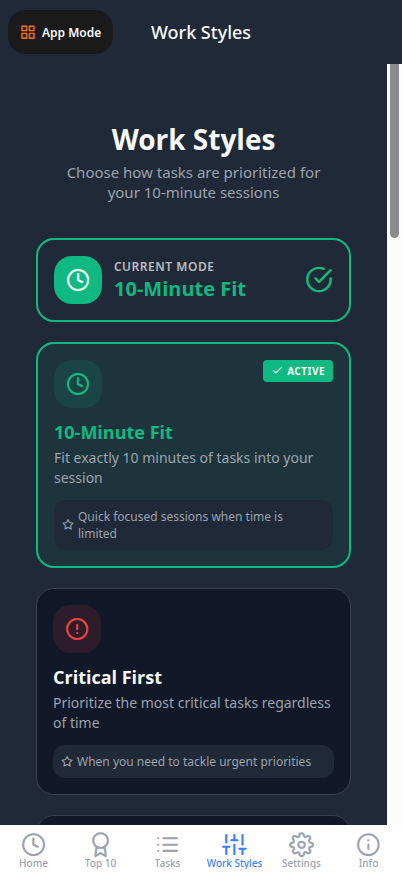
Standard Modes
6 modes included with Basic tier
One-Tap Selection
Instantly change prioritization style
Pro Advanced Factors
4 specialized modes for power users
Algorithm Preview
See how each mode reorders your tasks
Work Style Selection
Personalized prioritization algorithms
10-Minute Fit
Tasks that fit in 10 minutes
Free
Critical First
Highest urgency on top
Basic
Quick Wins
Short tasks first
Basic
Deadline Crunch
Nearest deadlines first
Basic
Balance
Equal weight factors
Basic
Flow Sync
Energy-optimized
Pro
Team Unblocker
Unblock others first
Pro
Relationship Guard
People-priority
Pro
Momentum Finish
Complete near-done tasks
Pro
Chunked
Time-boxed sessions
Basic
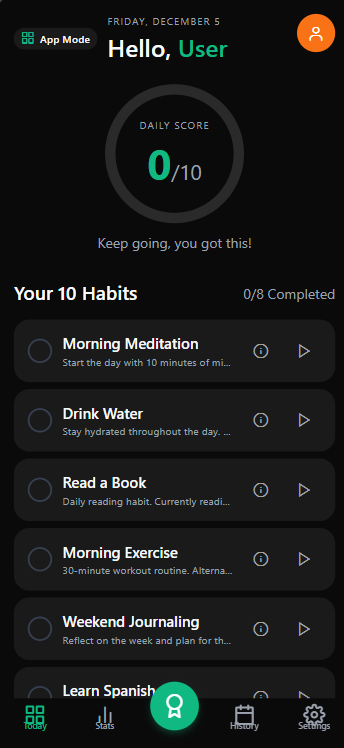
Daily Habits
Track up to 10 habits with morning, anytime, evening sections
Multiple Types
Yes/No, Quantity, and Timed habit tracking
Daily Score
Track completion percentage each day
Today's Habits
Your daily habit checklist
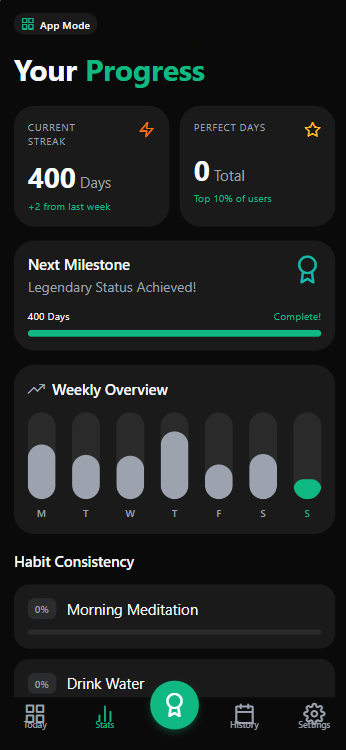
Statistics
Visual charts and completion trends
Streak Tracking
10-day milestone celebrations
Progress Over Time
Weekly and monthly insights
Habit Statistics
Visualize your progress
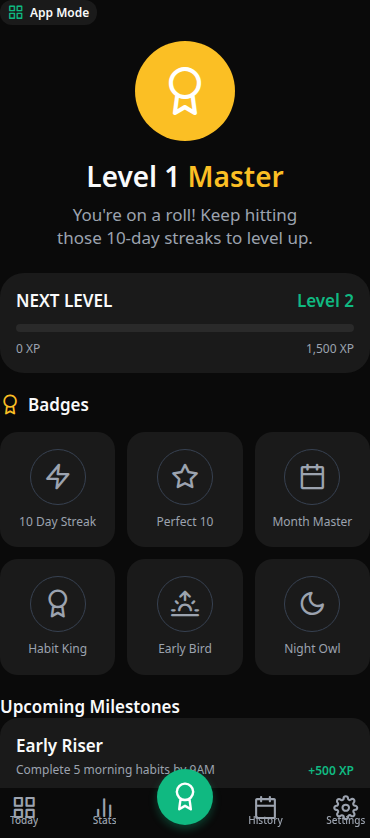
Badges & Ribbons
Earn achievements for consistency and milestones
Streak Milestones
Special rewards at 10, 30, 100+ day streaks
Achievements
Your earned badges and rewards
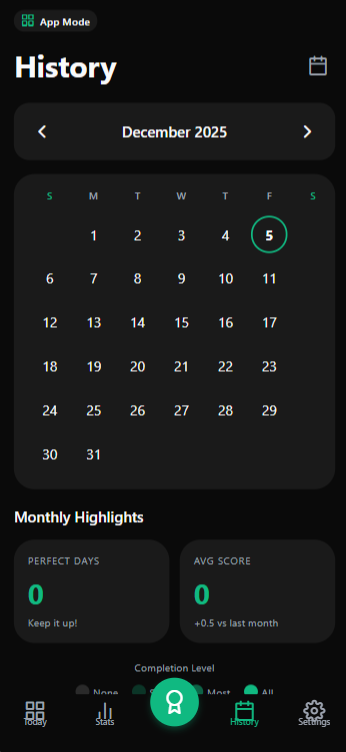
Calendar View
See your habit completion by date
Historical Data
Review past performance and patterns
Habit History
Your journey over time
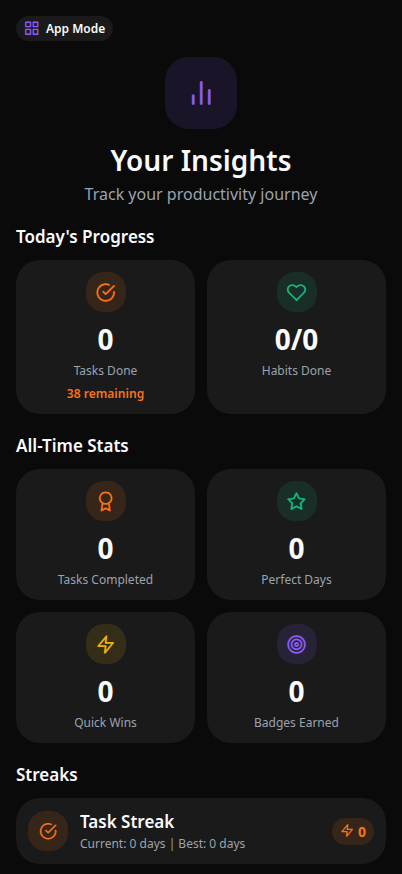
Smart Tips Inbox
Receive personalized productivity insights
Hourly Delivery
Tips delivered at your preferred schedule
Admin-Curated
Content managed through admin dashboard
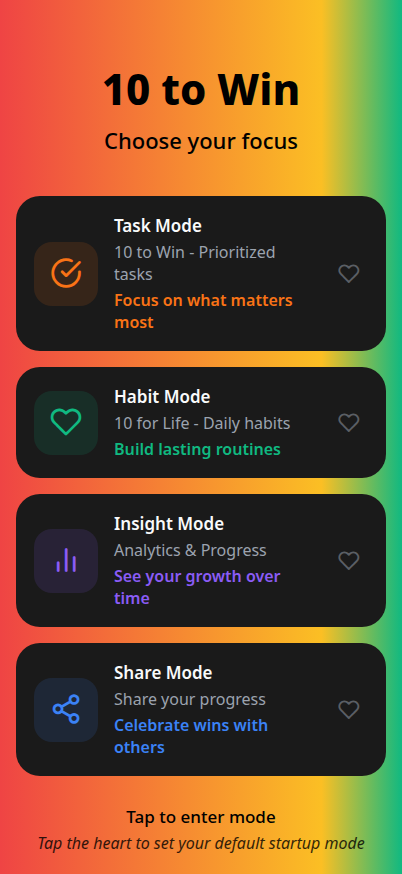
Insight Mode
Personalized productivity tips
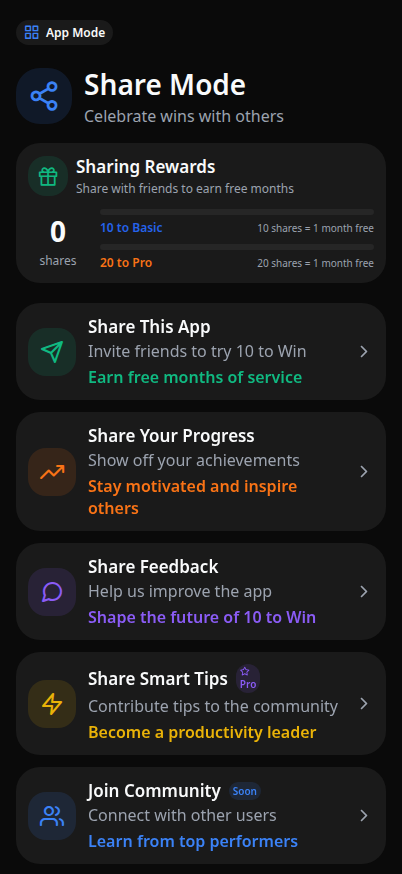
Smart Tips Sharing
Share helpful tips with friends
Invite Friends
Grow your accountability network
Submit Feedback
Help improve the app with suggestions
Share Mode
Social and feedback features
11 Sections
Complete app customization
Notifications
Push, SMS, Email, Voice
Do Not Disturb
Custom quiet hours
Settings
Full customization options
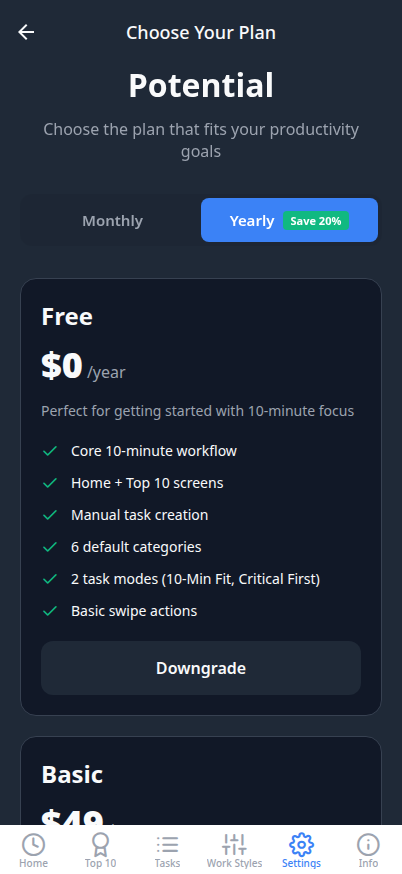
Plans & Pricing
Choose your tier
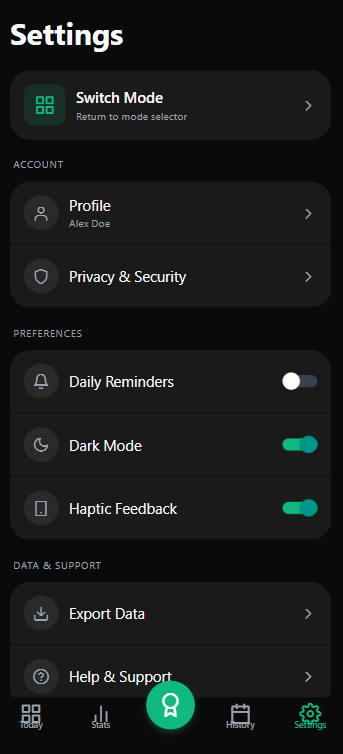
Theme Toggle
Light, Dark, or Auto
AES-256 Security
Military-grade encryption
Habit Settings
Customize habit tracking
10 Work Styles
Personalized prioritization
Privacy First
AES-256 encrypted storage
Smart Notifications
Multi-channel delivery
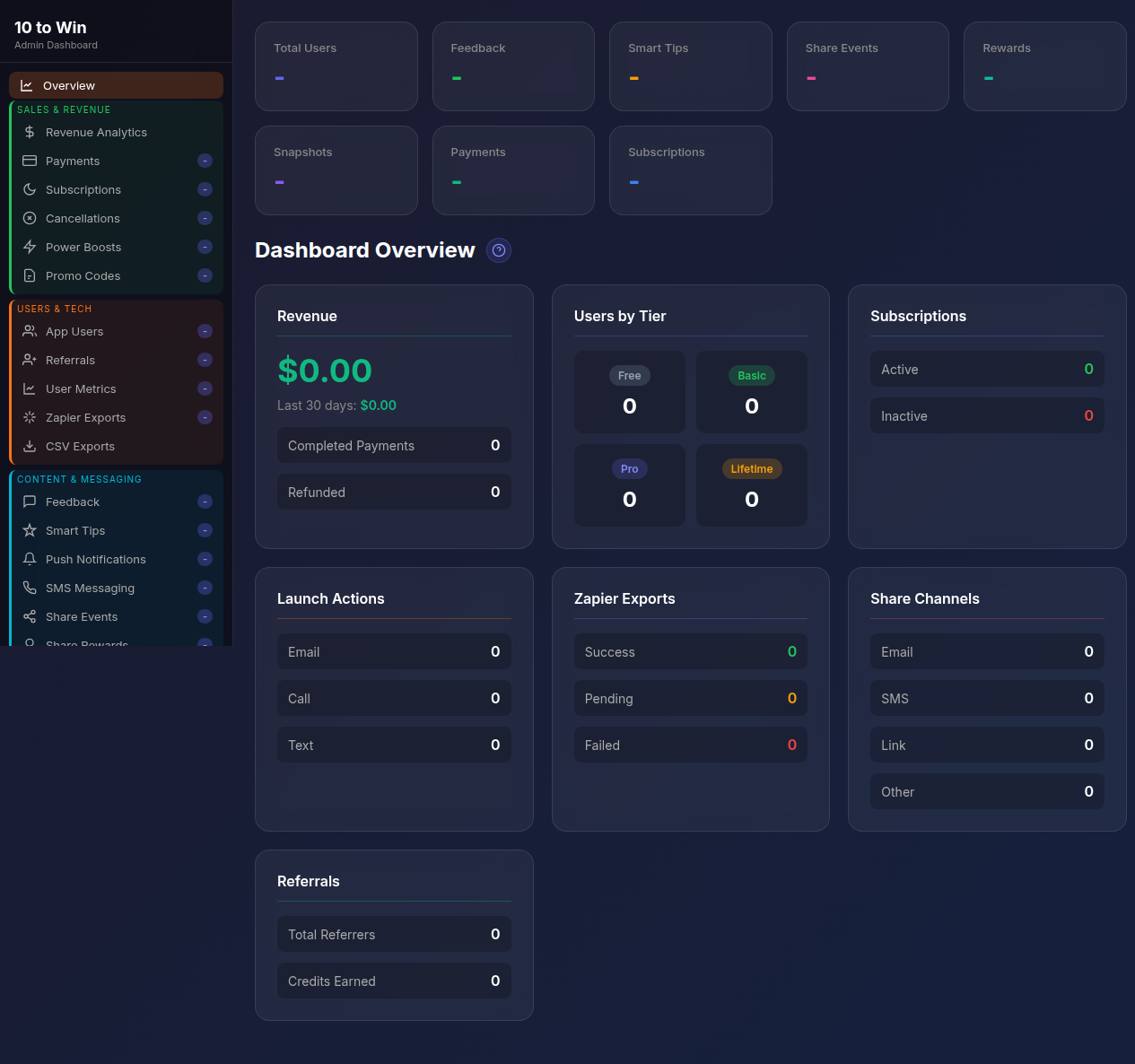
Master Dashboard
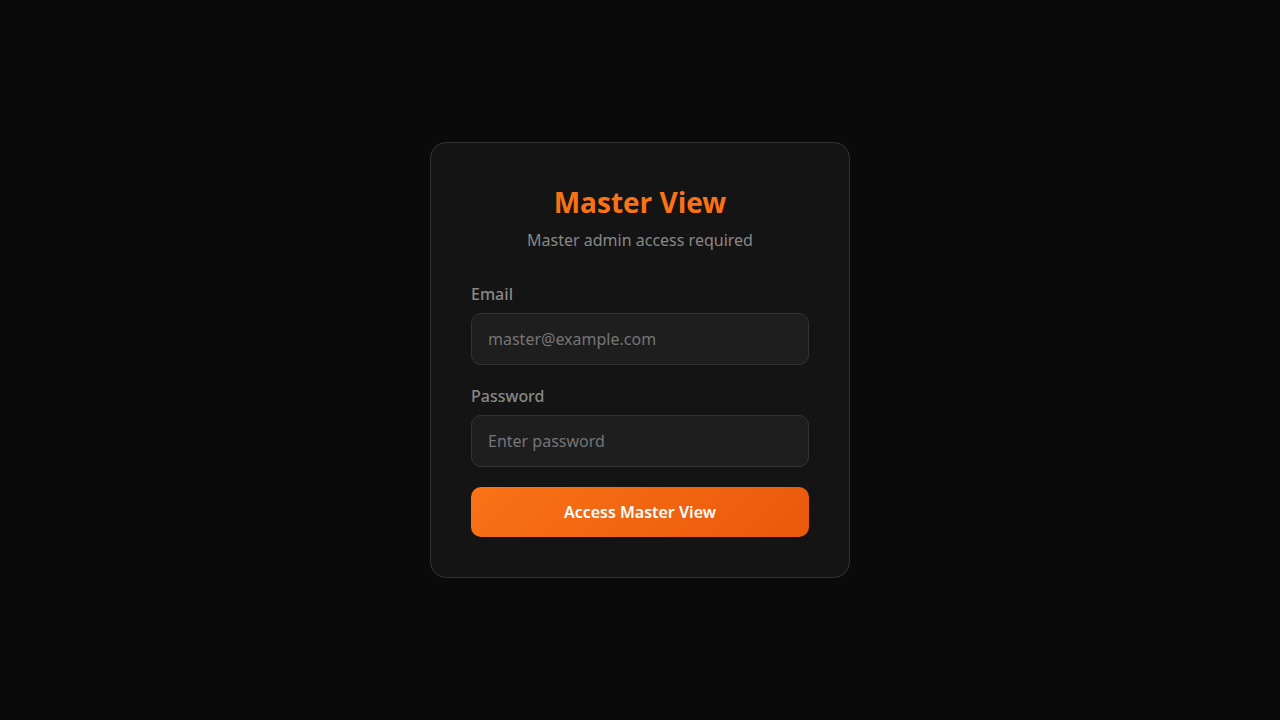
Master View
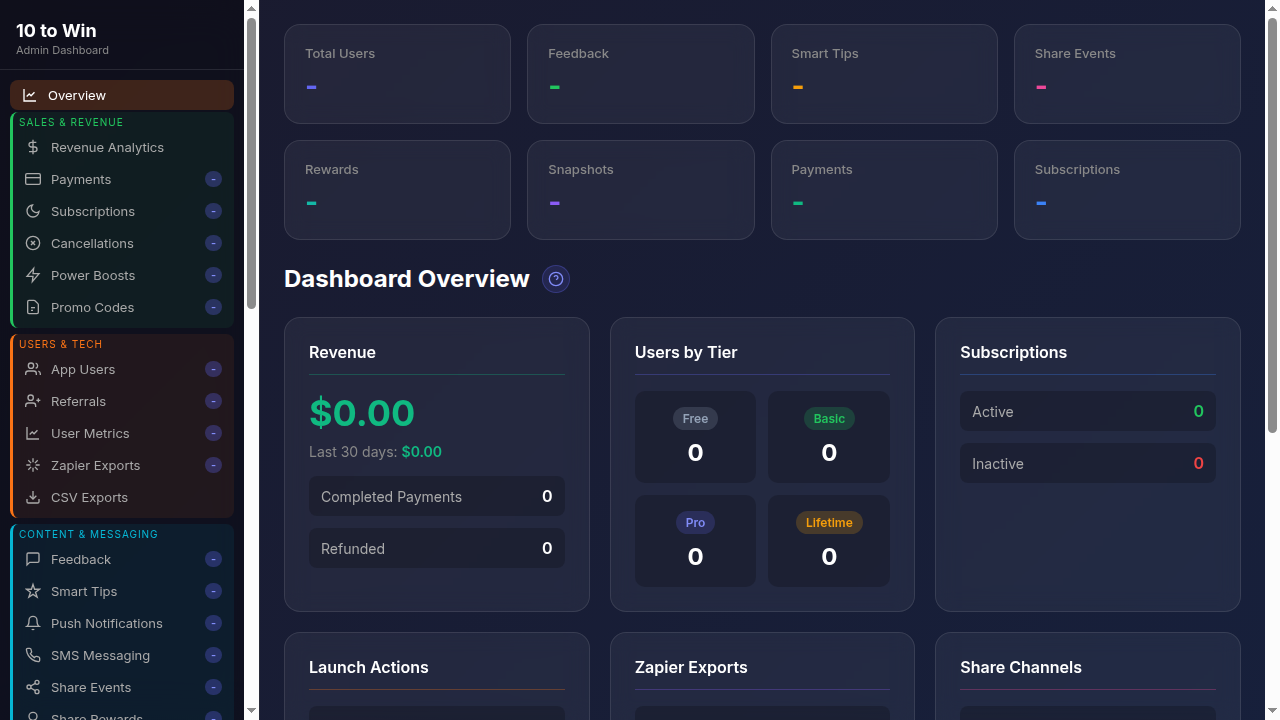
Full Sidebar
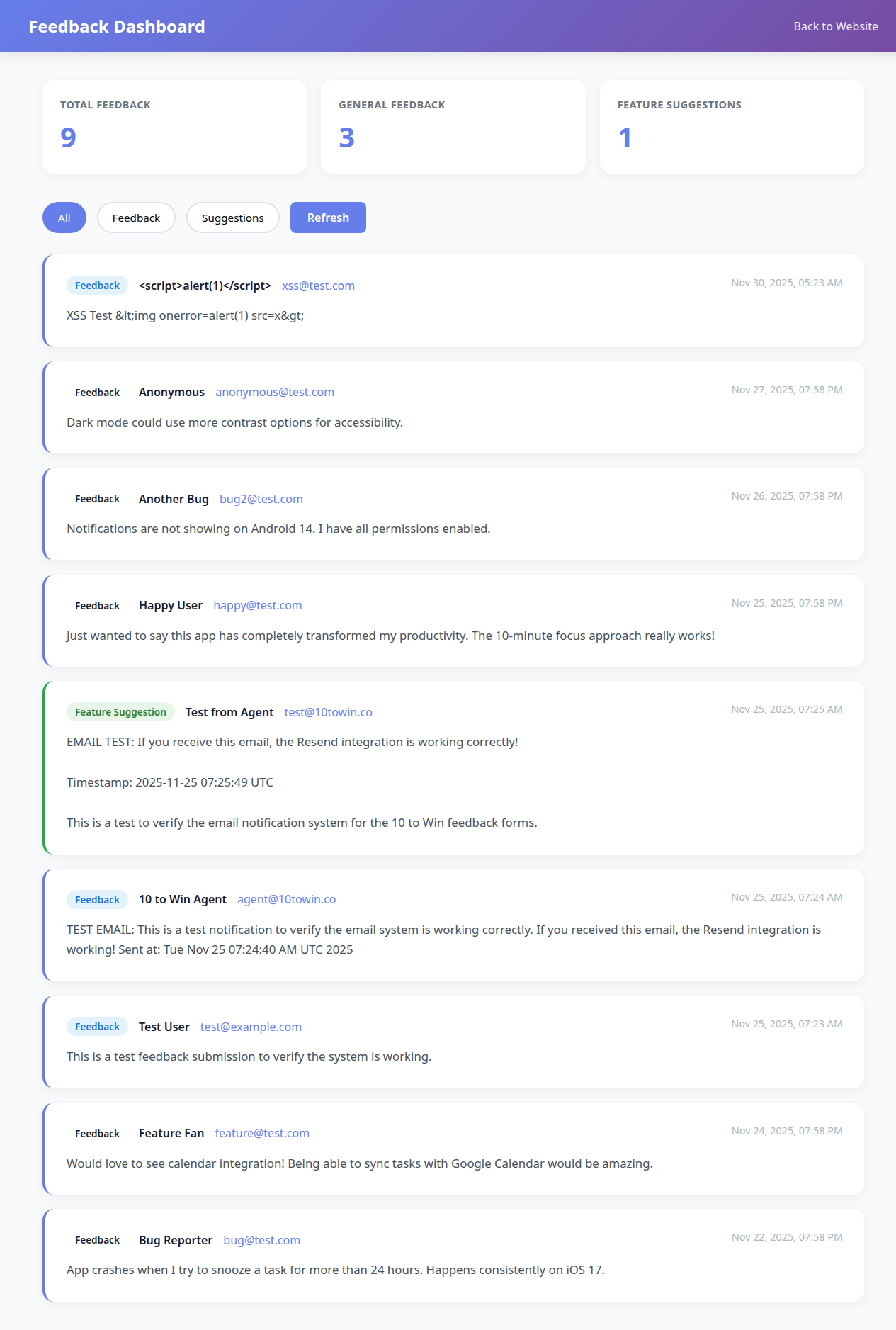
Feedback

Sessions

Security Audit
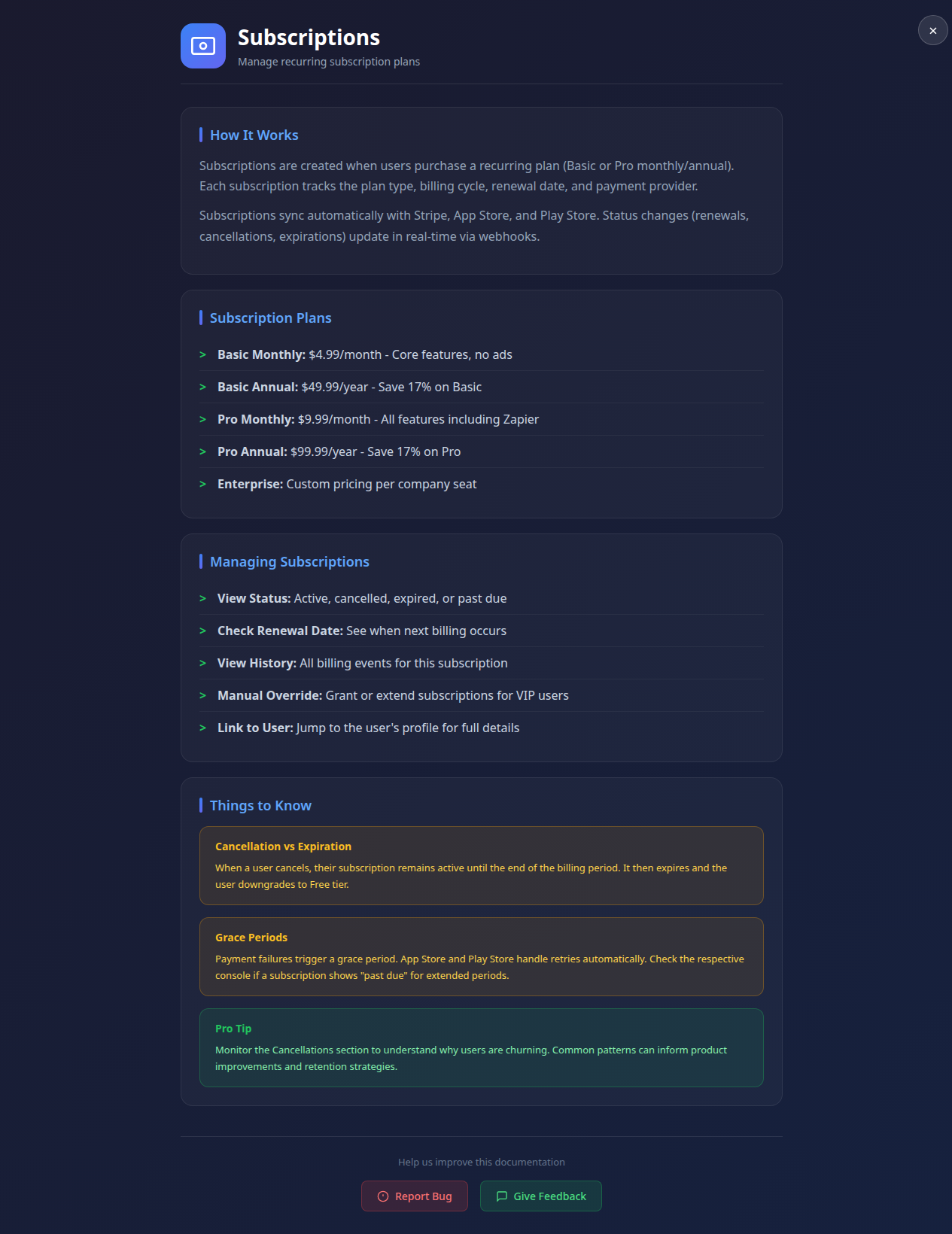
Subscriptions
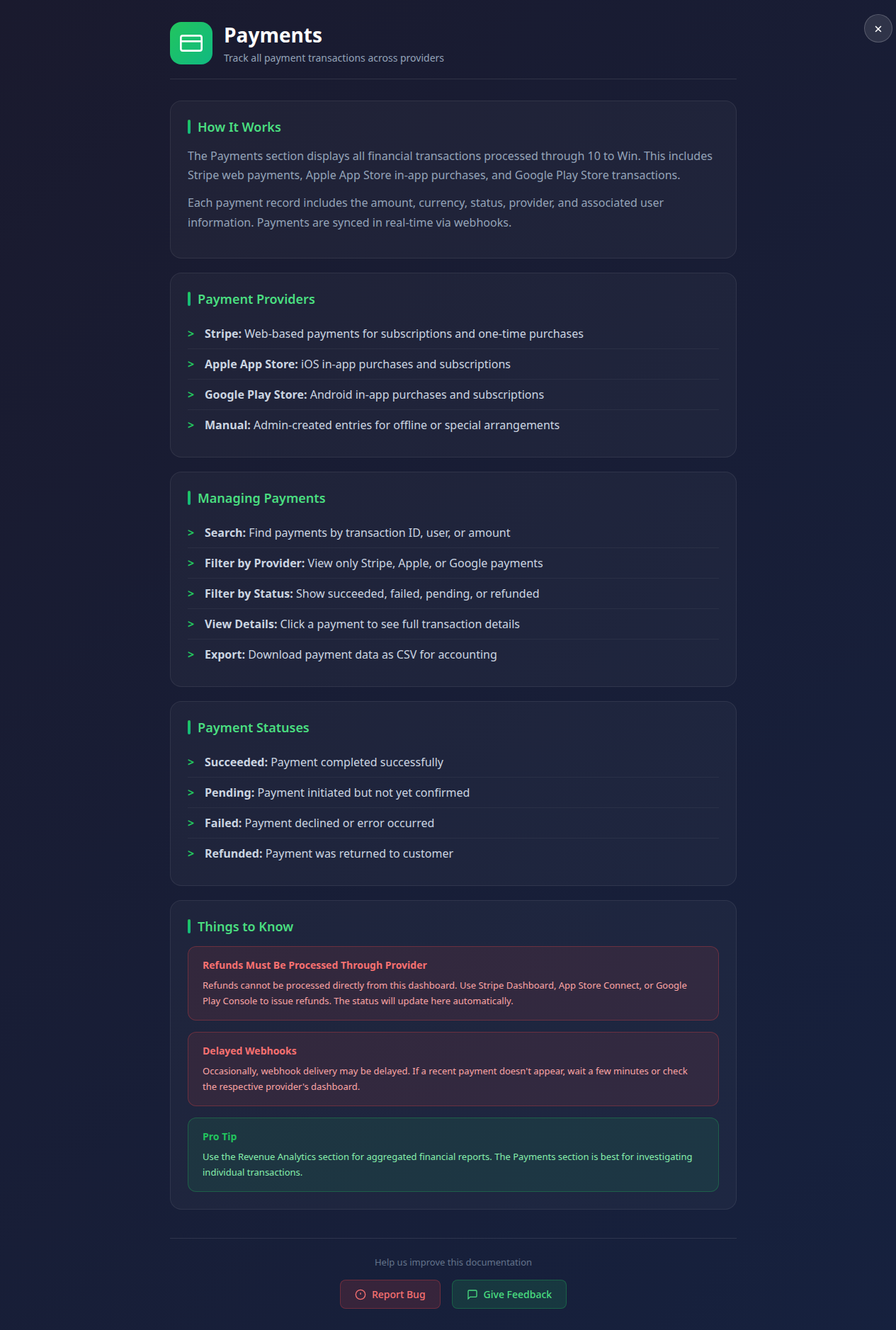
Payments
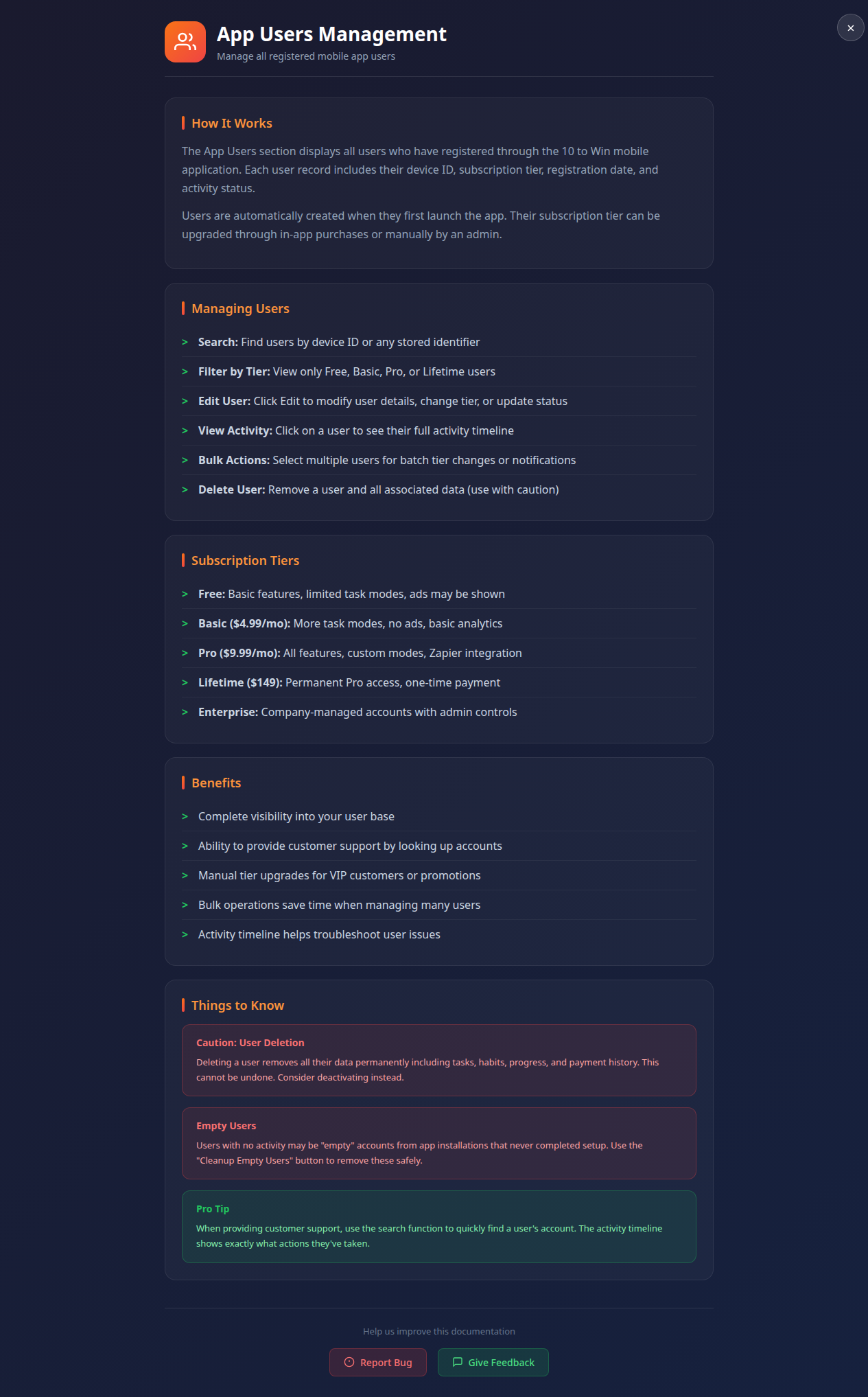
Users
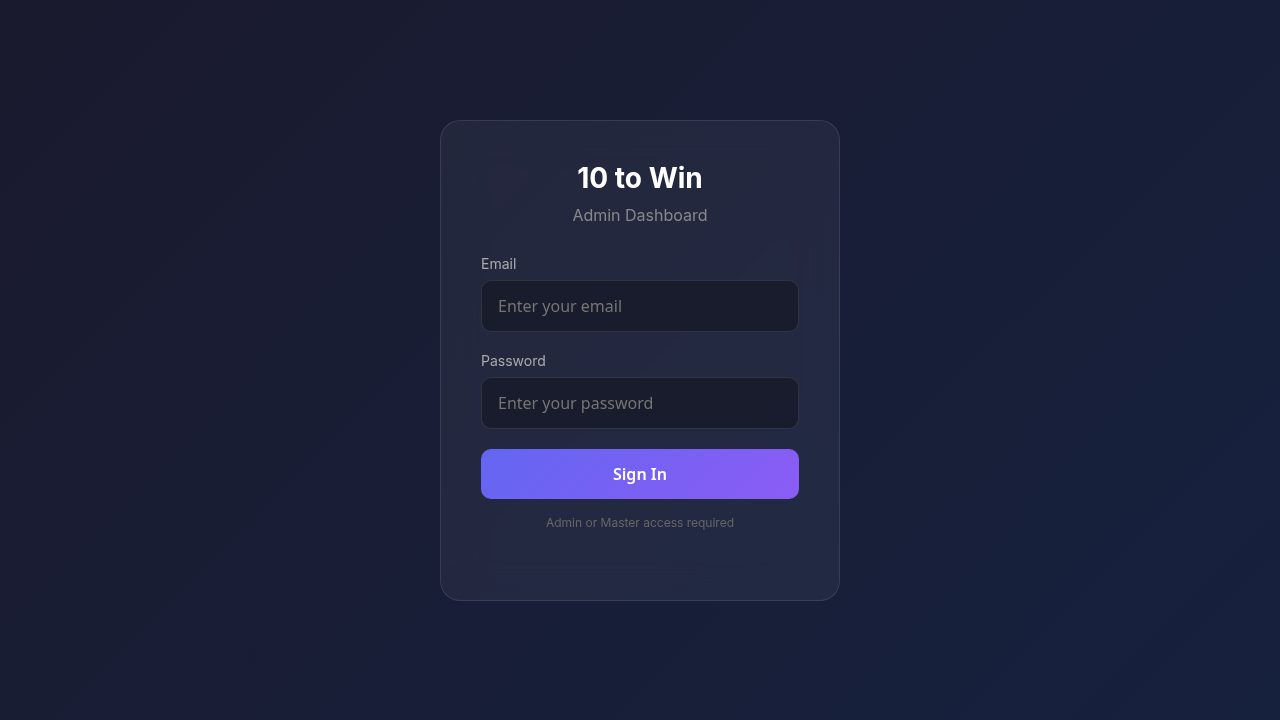
Admin Login
Full Sidebar Navigation
16+ color-coded management modules
Sales & Revenue
Payments, Subscriptions, Cancellations
Users & Tech
App Users, Metrics, Exports
Master Dashboard Overview
Content & Messaging
Feedback, Smart Tips, Notifications
Enterprise Features
Companies, Invoices, Team Management
Security & Sessions
Audit logs and session monitoring
37 Database Tables
Complete PostgreSQL schema documentation
478 Columns
Detailed field definitions & types
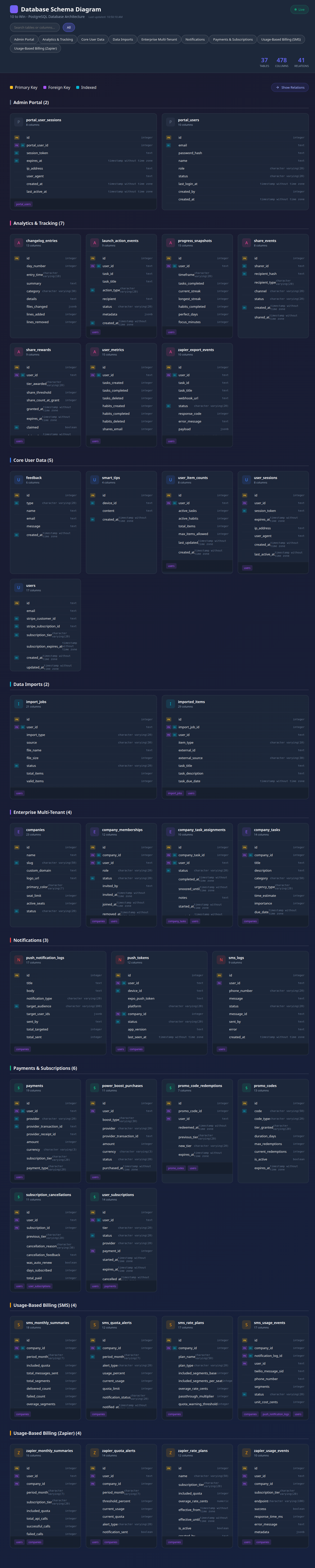
Database Schema Documentation
41 Relations
Foreign key relationships mapped
Live Schema Sync
Real-time database introspection
Comprehensive Guides
User guides for all subscription tiers
Admin Documentation
Master, Admin, and Viewer guides
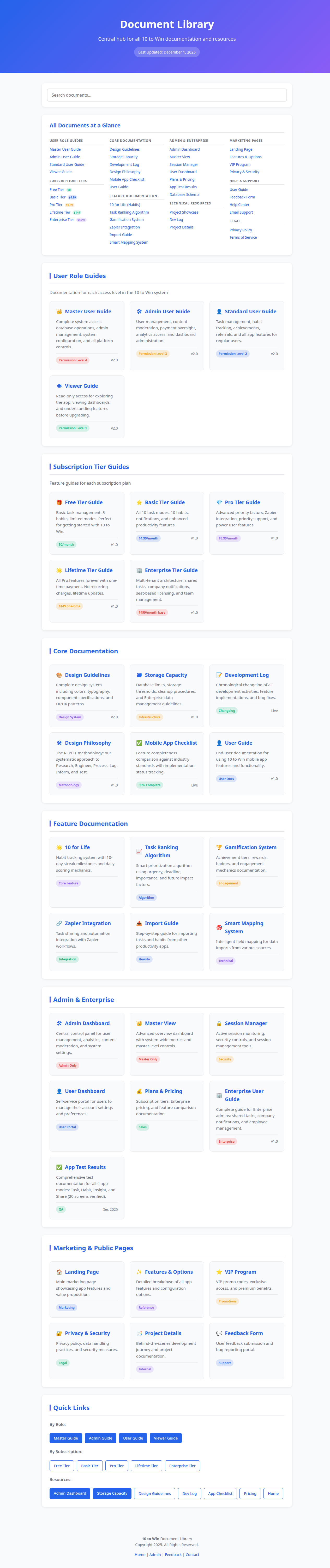
Document Library
Enterprise Docs
Multi-tenant setup & configuration
Multiple Formats
HTML, DOC, and MD versions
Master Admin Guide
Complete system administration reference

Master User Guide
RBAC Permissions
Role-based access control details
Dashboard Overview
Quick access to all admin functions
Key Statistics
Users, revenue, and activity metrics
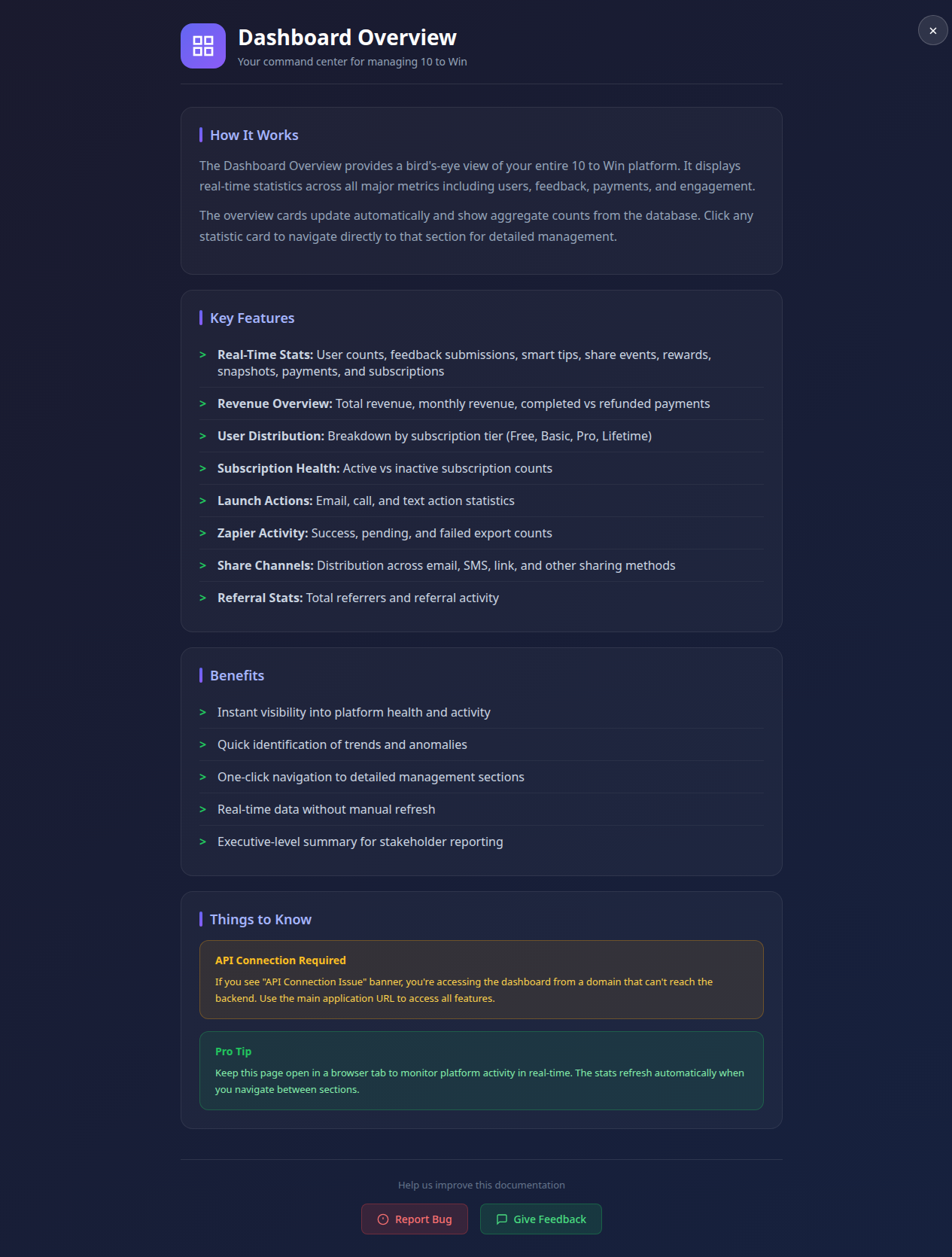
Admin Documents
Help & Resources
Documentation for all features
Bug Reporting
Submit issues and feedback
Payment Tracking
Complete transaction history & status
Stripe Integration
Direct payment processor sync
Payments Management
Refund Processing
Handle customer refund requests
Invoice Generation
Automatic receipt delivery
Subscription Tiers
Free, Basic, Pro, Lifetime tracking
Renewal Management
Auto-renewal status & billing cycles
Subscriptions Management
Plan Upgrades
Tier changes and proration
Cancellation Tracking
Churn analysis and win-back
User Directory
Complete user database with search
Account Status
Active, suspended, pending states
App Users Management
User Profiles
Edit preferences and settings
Activity Timeline
Complete user action history
Revenue Metrics
MRR, ARR, and growth tracking
Tier Breakdown
Revenue per subscription level
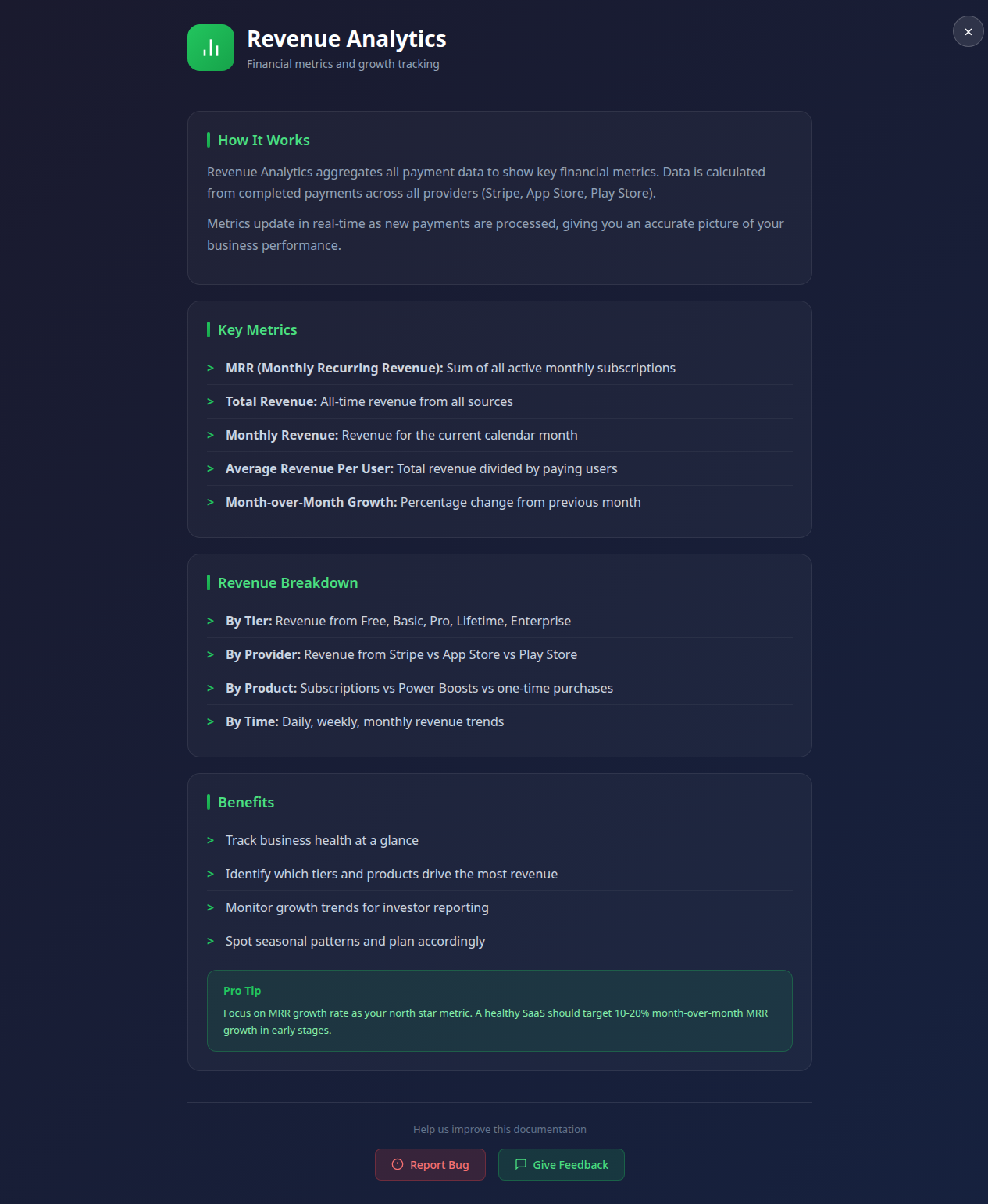
Revenue Analytics
Trend Analysis
Growth charts and projections
Export Reports
CSV and PDF financial reports
Promo Code System
Create and manage discount codes
VIP Access Codes
Special tier unlock codes
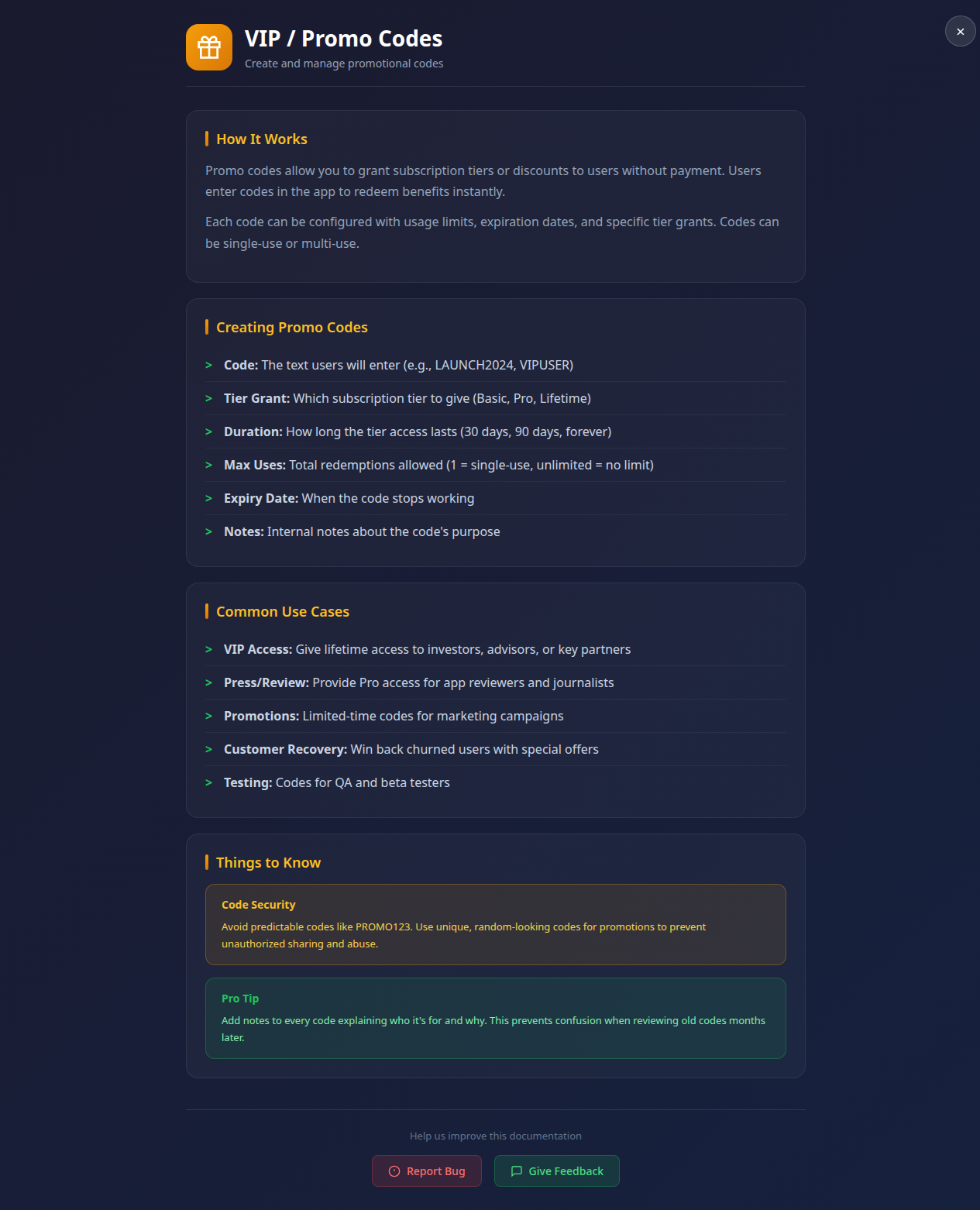
Promo Codes Management
Usage Tracking
Redemption stats and limits
Expiration Rules
Date-based validity control
Secure Authentication
Master password + role-based portal login
Rate Limiting
Protection against brute force attacks
Secure Login
Glassmorphism UI
Modern frosted glass design
User Feedback
Review and respond to all user submissions
Status Tracking
New, In Progress, Resolved workflow
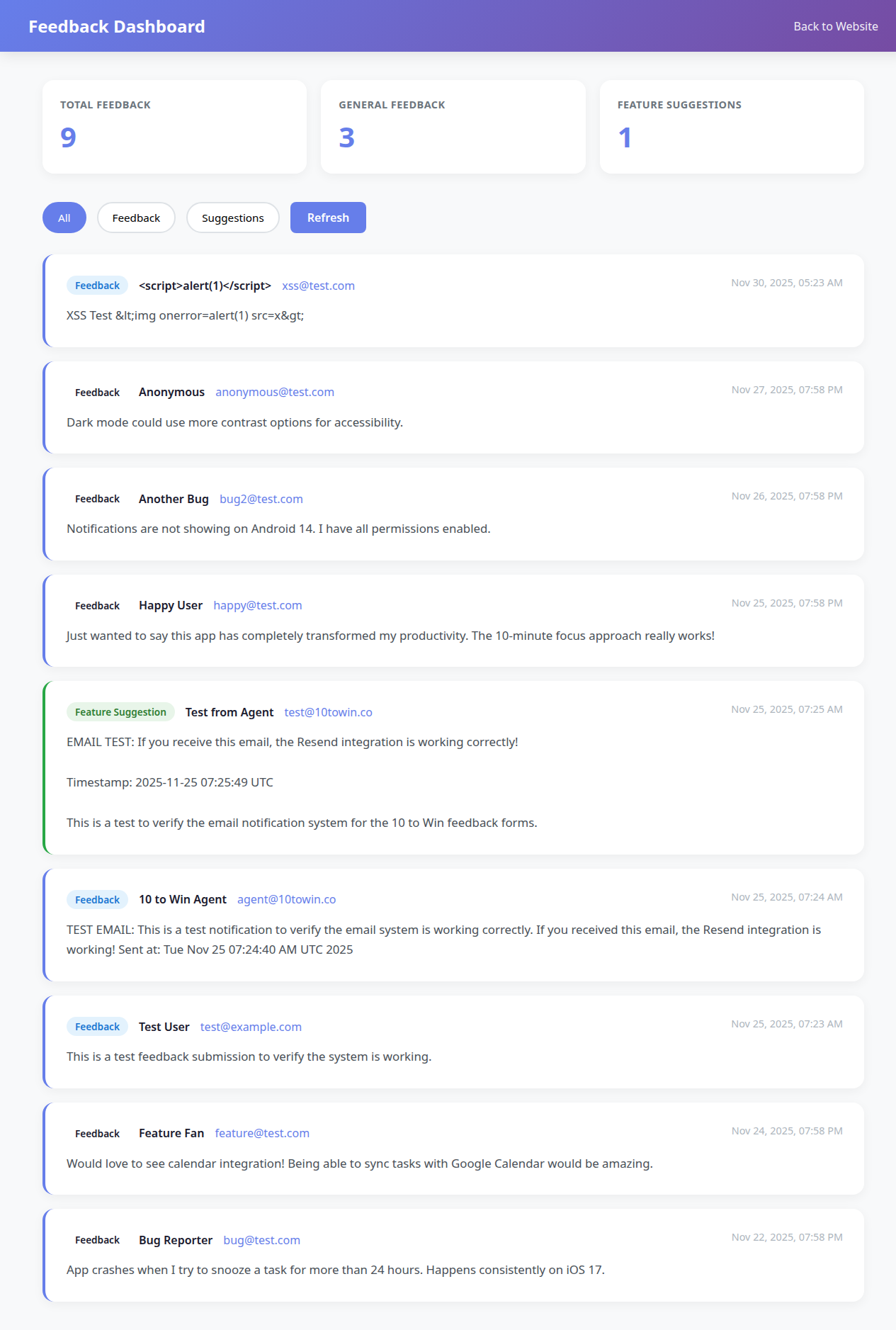
Feedback Manager
Category Filters
Sort by type, date, and priority
Complete Overview
All system data in one unified view
Bulk Operations
Mass update, delete, and export tools
Master View
Real-Time Stats
Live user counts and activity metrics
Active Sessions
Monitor all logged-in users in real-time
Session Manager
Force Logout
Terminate sessions for security
Security Report
Comprehensive vulnerability assessment
Security Audit
Compliance Check
OWASP and best practices review